
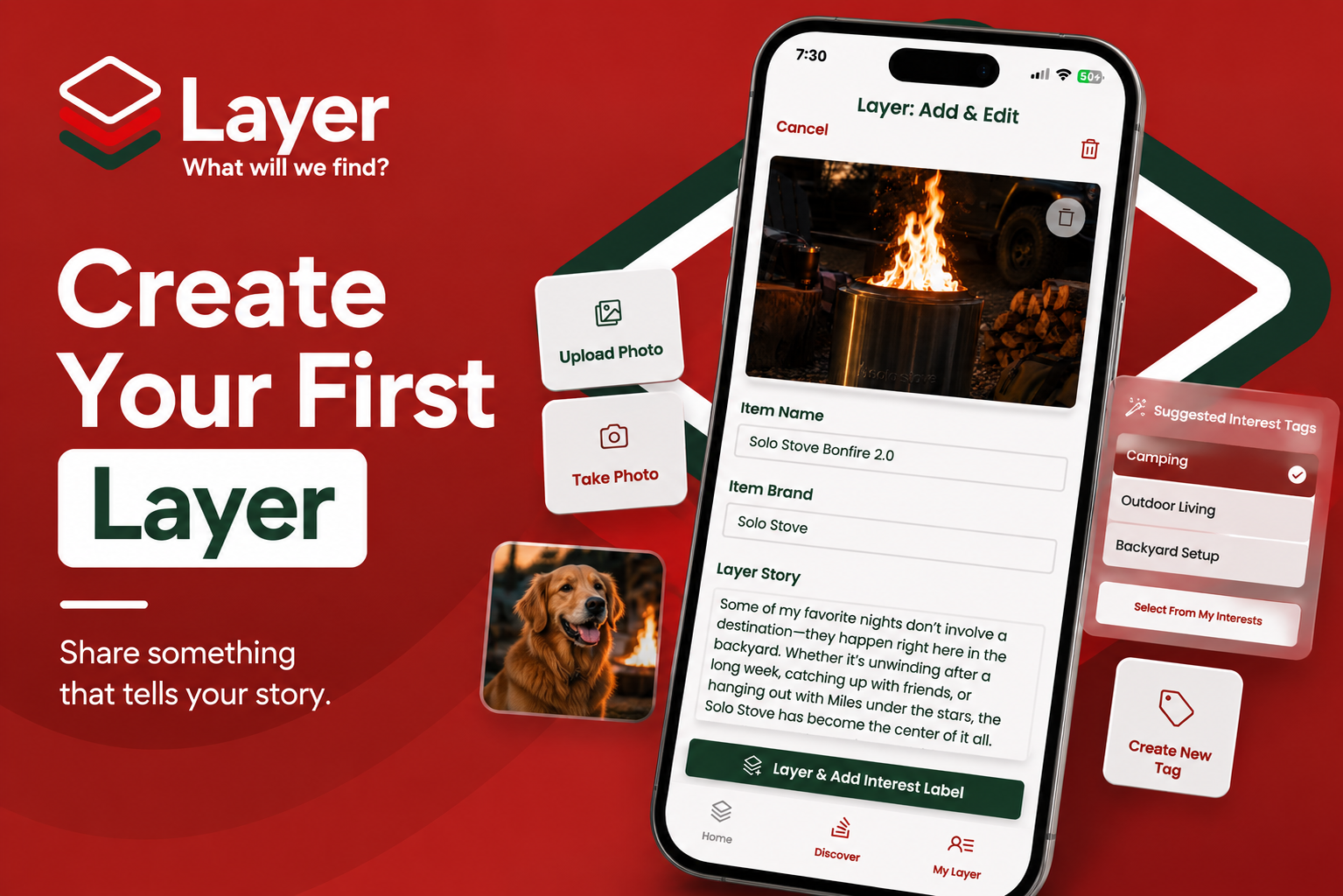
Create Your First Layer
Creating your first Layer only takes a few minutes.
Start with something you genuinely enjoy—a favorite product, piece of gear, family essential, hobby, or everyday item. Add a photo, tell its story, choose an Interest Tag, and you’re ready to share it with the Layer community.
Step 1: Go to My Layer
From anywhere in the app, tap the My Layer tab in the bottom navigation bar.
Once you’re on your profile, tap the green Create Layer button.
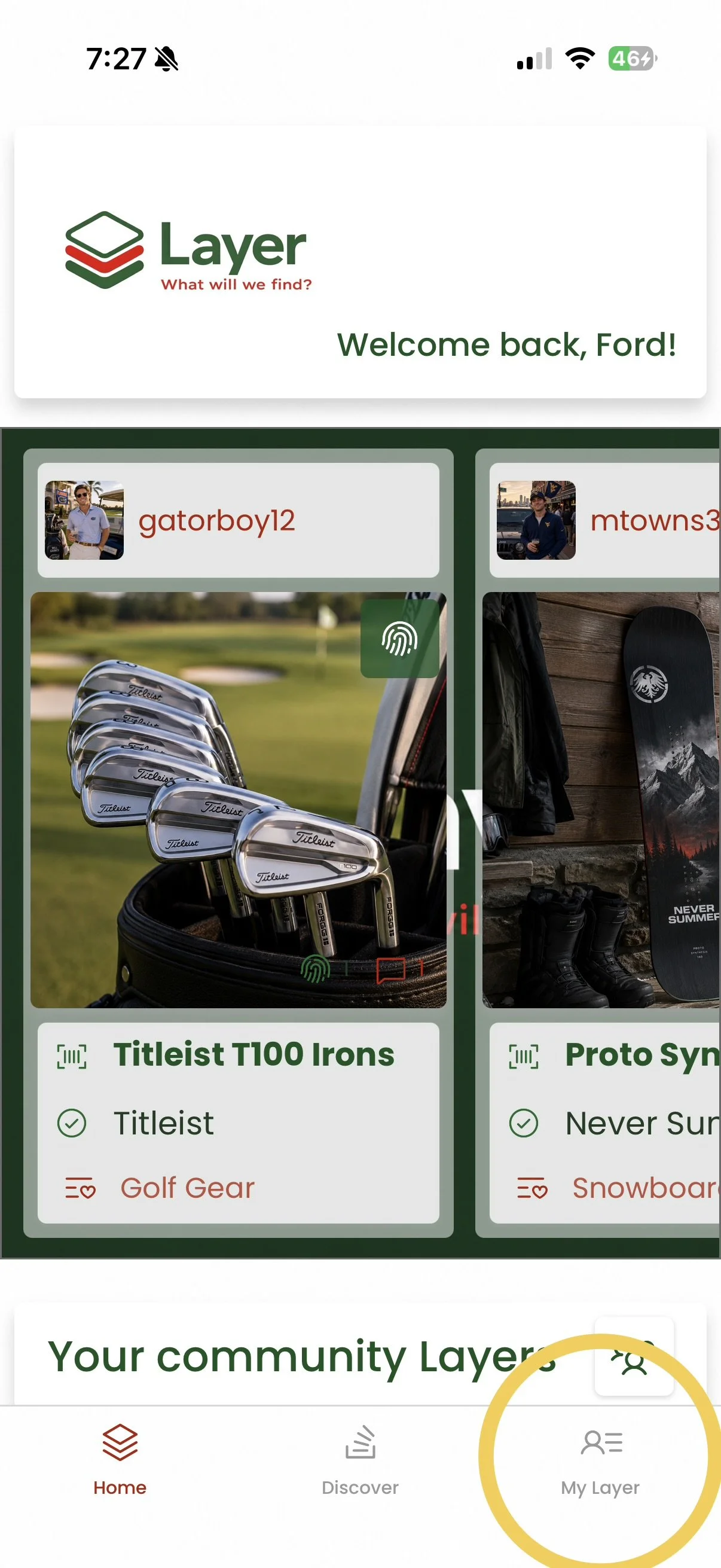
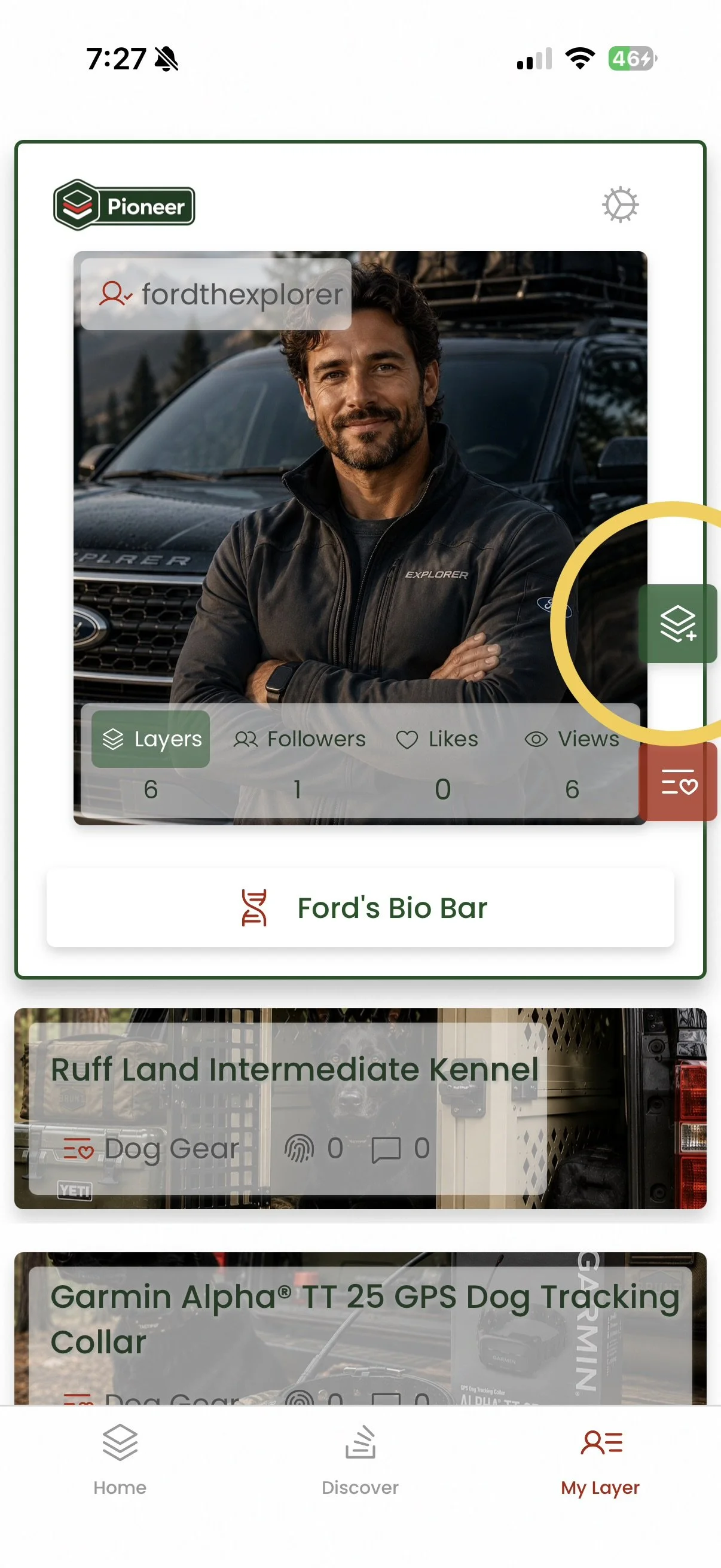
Open your profile and tap the green Create Layer button to get started.
Step 2: Add Your Photos
Choose how you’d like to add your item.
You can:
Upload an existing photo from your library.
Take a new photo with your camera.
Choose a photo that clearly shows your item. Lifestyle photos often make the best Layers because they show the item being used in real life.
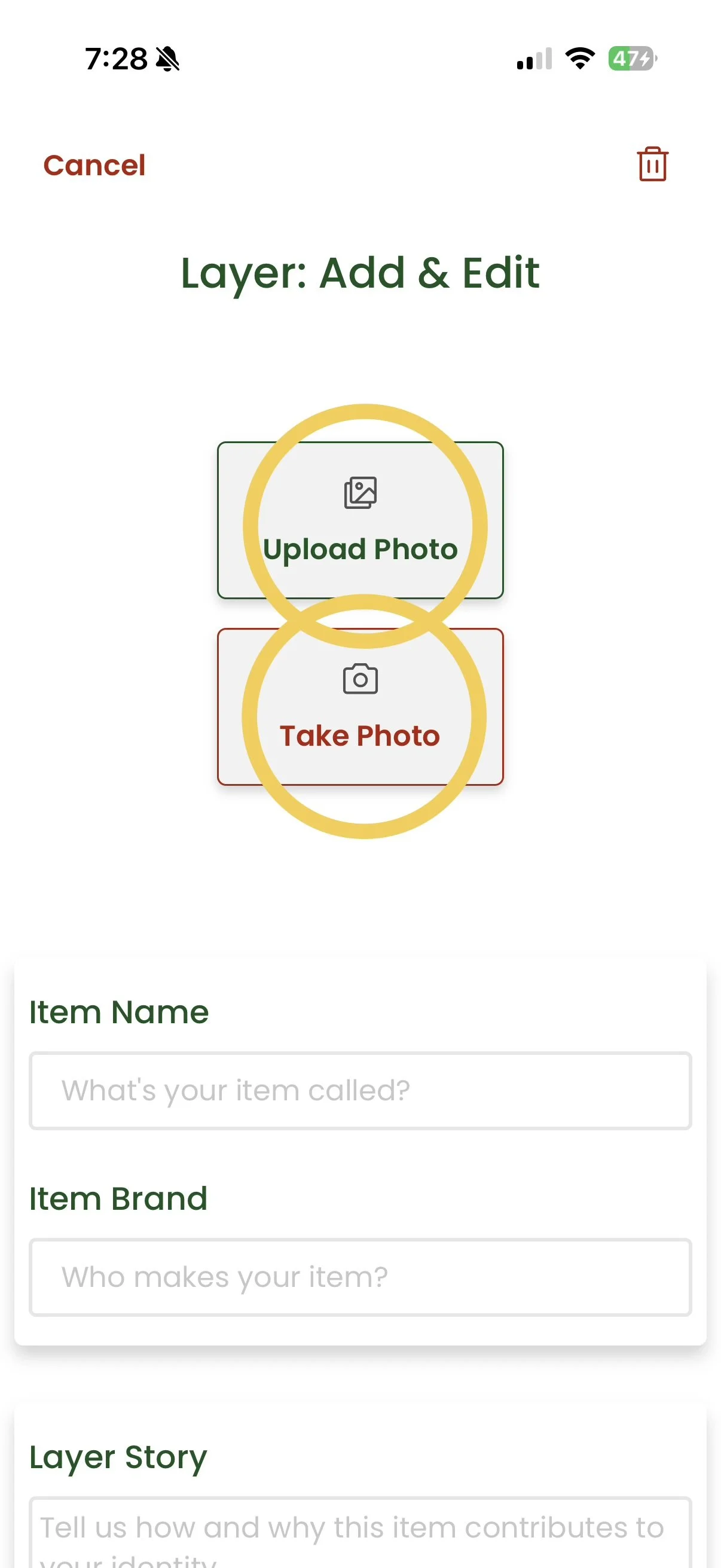
Choose an existing photo or capture a new one.
Step 3: Tell Your Story
After adding your photo, complete the details for your Layer.
Fill in:
Item Name
Item Brand
Layer Story
Your Layer Story is the most important part. Instead of describing the product, explain why it matters to you.
Ask yourself:
Why do you love it?
What memories are attached to it?
Would you recommend it?
How has it become part of your life?
When you’re finished, tap Layer & Add Interest Label.
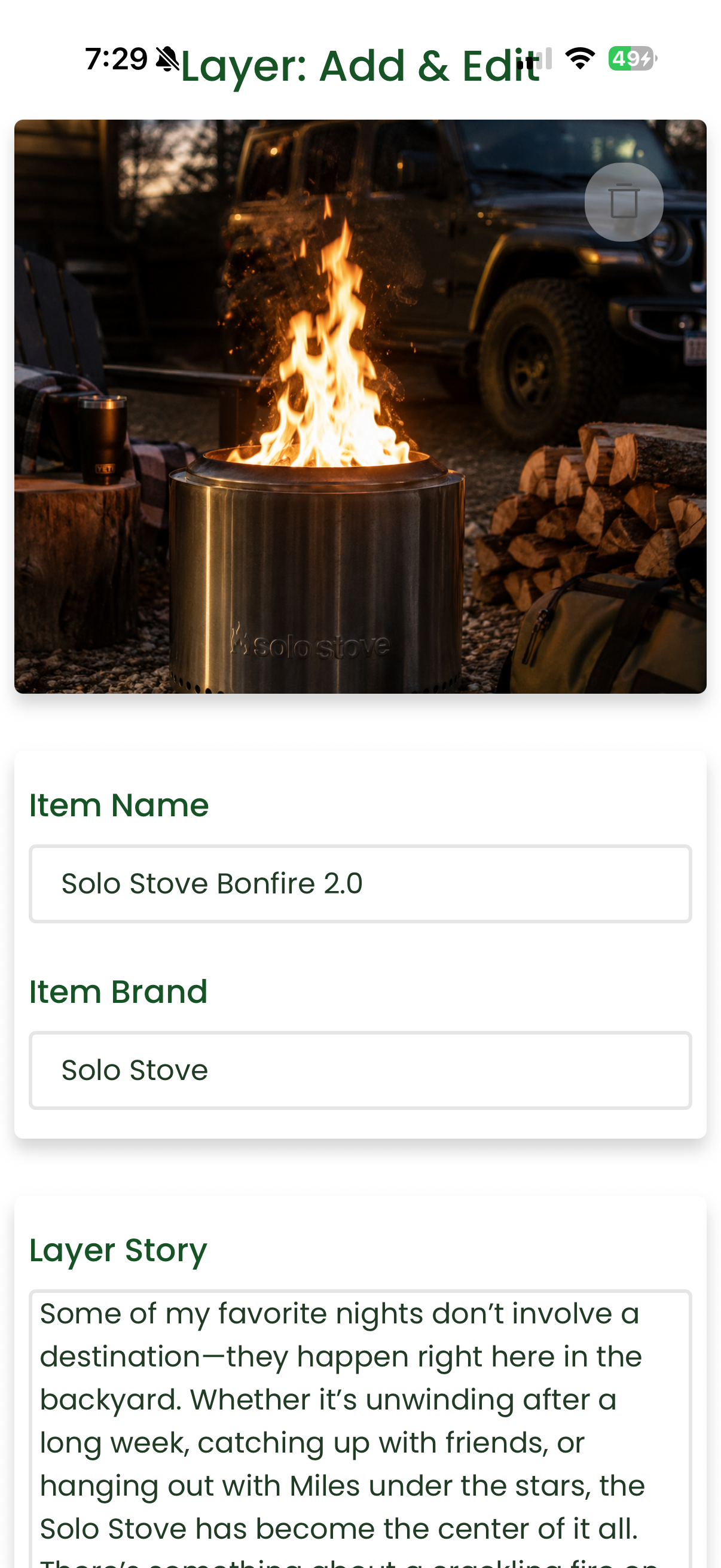
Complete your Layer details, then continue to choose an Interest Tag.
Step 4: Choose an Interest Tag
Layer will suggest Interest Tags based on your item.
You can:
Select one of the suggested Interest Tags.
Choose from your existing Interest Tags.
Create a brand-new Interest Tag if one doesn’t exist.
Choose the Interest Tag that best represents why you’re sharing the item.
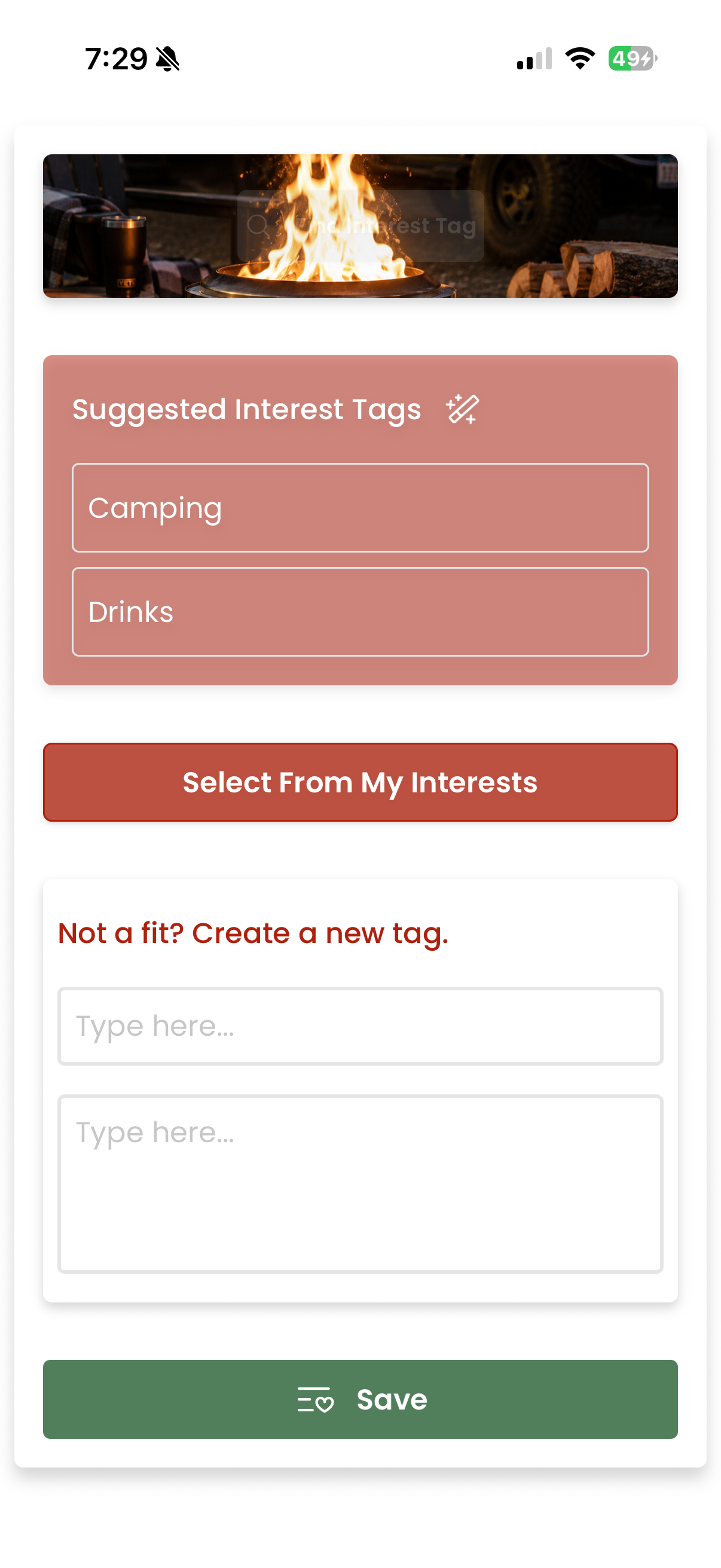
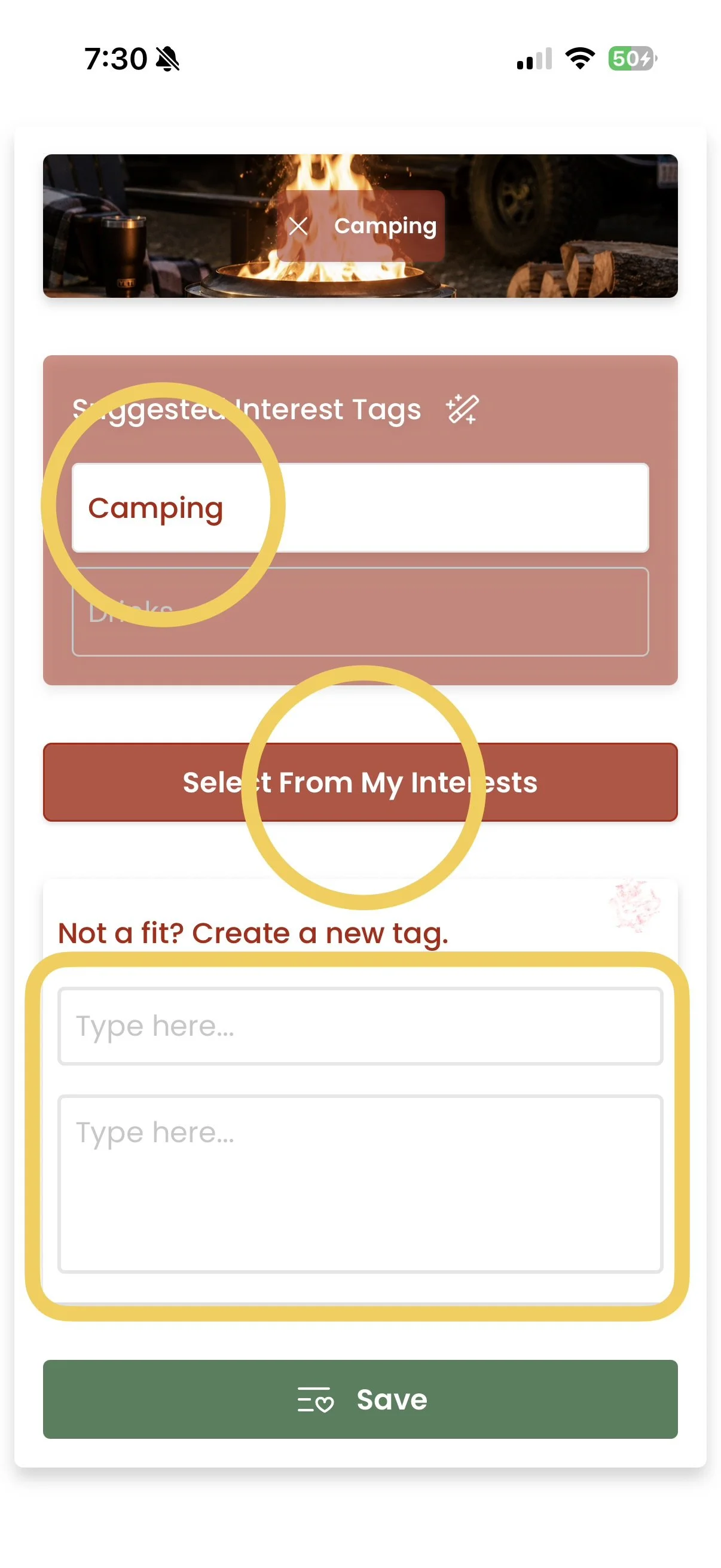
Choose the Interest Tag that best fits your Layer.
Step 5: Save Your Layer
Once you’ve selected your Interest Tag, tap Save.
Your Layer is now live and becomes part of your profile, making it discoverable by people who share your interests.
Congratulations—you’ve created your first Layer!
Tips for a Great First Layer
The best Layers are authentic.
Here are a few ideas to get started:
Your favorite everyday item
Golf clubs or sports equipment
Home gym equipment
Coffee setup
Smoker or grill
Vehicle
Camera
Watch
Backpack
Family essentials
Cooking equipment
Outdoor gear
Don’t overthink it.
If the item tells part of your story, it belongs on Layer.
Every Layer Builds Your Profile
Every Layer you create becomes another chapter in your story.
As your profile grows, people won’t just see the things you own—they’ll discover your interests, passions, experiences, and personality through the stories behind them.
The more Layers you share, the more complete your identity becomes.
